The Policy of the Bill is to provide a framework for the recognition and protection of the work and activities of Human rights defenders in order to guarantee a safe and enabling environment for human rights defenders to freely operate.
What you need to know about Delayed Phishing/ Post-Delivery Weaponized URL
Truth is, most of us have ever been a victim of phishing before and with the abundant resources online and trainings that we have so far had, we have become sort of immune to phishing.
Click here to as well look at our blog post about phishing and what you need to know
Our immunity against phishing has so far been boosted by e-mail service providers, mail gateways and even browsers that we use which has all embedded in their systems anti-phishing filters and malicious address scanners.
With all these above, cybercriminals are constantly inventing new, and refining old, circumvention methods. One such method is delayed phishing.
Delayed phishing is an attempt to lure a victim to a malicious or fake site using a technique known as Post-Delivery Weaponized URL.
“As the name suggests, the technique essentially replaces online content with a malicious version after the delivery of an e-mail linking to it. In other words, the potential victim receives an e-mail with a link that points either nowhere or to a legitimate resource that may already be compromised but that at that point has no malicious content. As a result, the message sails through any filters. The protection algorithms find the URL in the text, scan the linked site, see nothing dangerous there, and allow the message through.”
Effecting the malicious link
Attackers operate on the assumption that their victim is a normal worker who sleeps at night. Therefore, delayed phishing messages are sent after midnight (in the victim’s time zone), and become malicious a few hours later, closer to dawn.
If cybercriminals find a specific person to attack, they can study their victim’s daily routine and activate the malicious link depending on when that person checks mail.
Technology behind Delayed Phishing
For delayed phishing to be effective, hackers use at least one of these 2 common methods:
- Simple link: In this case, the hackers are the ones who are controlling the target site in that at the time of delivery, the site is safe so it can go through the several security levels it is scanned before it is delivered to your mailbox. At the time of delivery, the link leads to either a meaningless stub or (more commonly) a page with an error 404 message and the malicious version of the site is activated after delivery.
- Short-link switcheroo: Several sites offer link shortening services to the world, with this you can get alternative links that are easy to remember and short instead of long and boring links. However, some of this services allow you to alternate the link behind these short links. So the cybercriminals take advantage of this in that, by the time they are sending the email, the short link it pointing to a legitimate site and is swapped to the malicious site after delivery.
Although there is a third technology that is not so common which includes a randomized and short link where there is a probabilistic redirection. That is, the link has a 50% chance of leading to google.com and a 50% chance of opening a phishing site. The possibility of landing on a legitimate site apparently can confuse crawlers (programs for automatic information collection).
– Spotting & fighting Delayed Phishing
Ideally, there is need to prevent the phishing link from getting to the user, so rescanning the inbox would seem to be the best strategy.
In some cases, that is doable: for example, if your organization uses a Microsoft Exchange mail server. Kaspersky Security for Microsoft Exchange Server is also included in our Kaspersky Security for Mail Servers and Kaspersky Total Security for Business solutions.
Difference between Identification, Authentication & Authorization
We all have been identified, authenticated and authorized almost everyday of our online life.
What we do not know most of the time is where each of this comes in while accessing our online platforms and we end up confusing the 3 words often using the terms identification or authorization when, in fact, they are talking about authentication.
But as long as we are able to understand what we are talking about, it has not mattered to us to get the meanings of these 3 words.
It is always better to know the meaning of the words you use, though, and sooner or later, you will run into a geek who will drive you crazy with clarifications, whether it’s authorization versus authentication, fewer or less, which or that, and so on & to be honest, you could even catch an attitude!
So what do these 3 words actually mean?
- Identification occurs when a subject claims an identity (such as with a username)
- Authentication occurs when a subject proves their identity such as with a password (for example, by comparing the password entered with the password stored in the database)
- Authorization techniques can grant or block access to objects based on their proven. This is the function of specifying access rights/privileges to resources.”
🙂
So, now you know in what ways identification is different from authentication and authorization. One more important point: Authentication is perhaps the key process in terms of the security of your account. If you are using a weak password for authentication, your account could easily be hijacked. Therefore:
- Create strong and unique passwords for all of your accounts.
- If you have trouble remembering your passwords, a password manager has your back. It can help with generating passwords, too.
- Activate two-factor authentication, with one-time verification codes in text messages or an authenticator application, for every service that supports it. Otherwise, some anonymous raccoon that got its paws on your password will be able to read your secret correspondence or do something even nastier.
The 3 words are so easy to confused and people always get mixed up using them. Hope this article has made it clearer now!
SSL – What You Need to Know
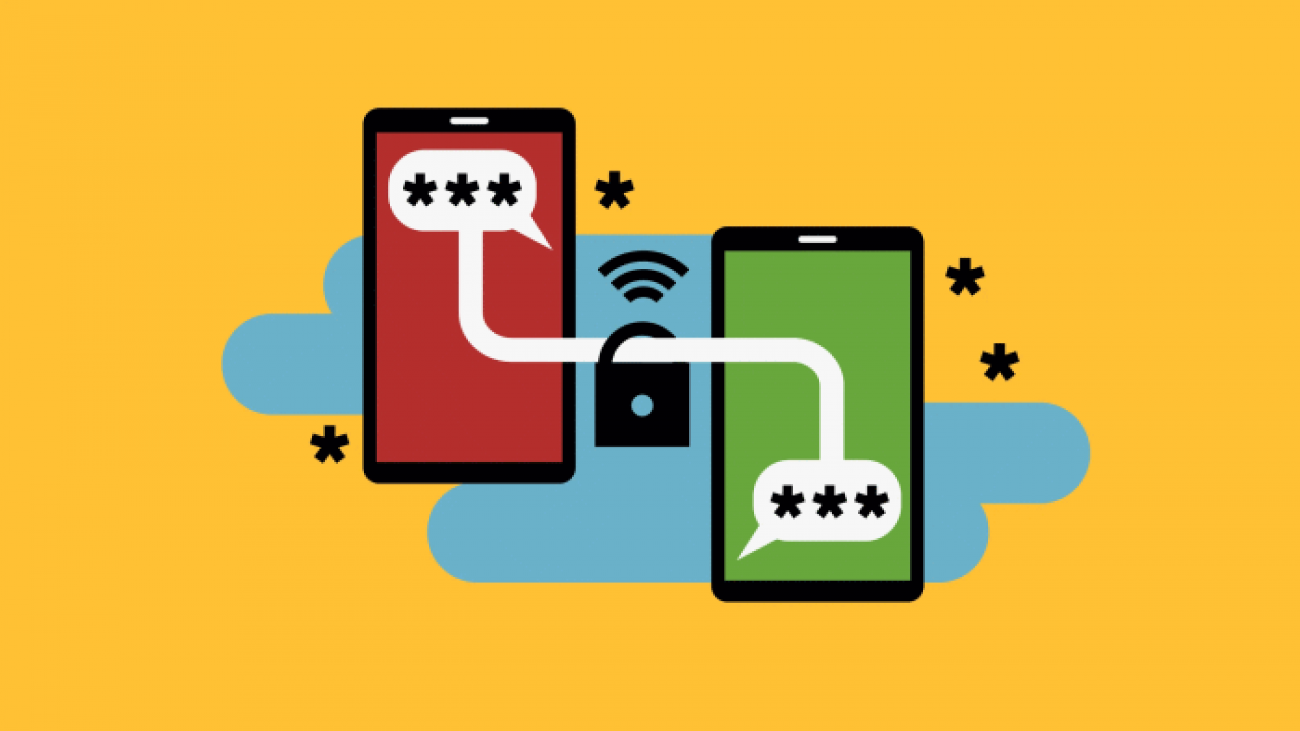
We often hear about a padlock, green URL bar and several other ways people use to describe SSL. But the question would be, What really is SSL and how useful is to HRDs websites?
What is Secure Sockets Layer (SSL)?
SSL is a security protocol that assures users of the connection between their device and the website they are visiting. During a connection to a website so much information is shared between two computers (the visitor and there server for the website) including what may be highly confidential data such as credit card numbers, location data, user identification numbers or even passwords. Visitors have to make sure all the information passing is secure and not prompt to interception by third parties. This is why SSL has become a big deal in the cyber-powered world.
In cases where there is no SSL, the information shared between these two computers often show up as plain text. Which means, if there were to be an adversary, they would basically see all the communication and in this case, data could be stolen. SSL prevents this by encrypting this communication.
Why we need SSL?
When a visitor goes to your website and sees that you have an SSL it builds an enormours level of trust, this shows your visitors that whatever their activity on your website is secure. This trust is of more importance if it includes transactional relationship; where money is involved.
Even if not for transactional relationship, in the cyber-space of today “Data is the new Gold!” so That means everything we do online has to be secure.
To have this level of trust and security for your visitors requires the one key means – SSL. Since they assure users that the connection they have to that website is safe. For the end user, all they need to verify this is a simple icon shown on their browser (The padlock).
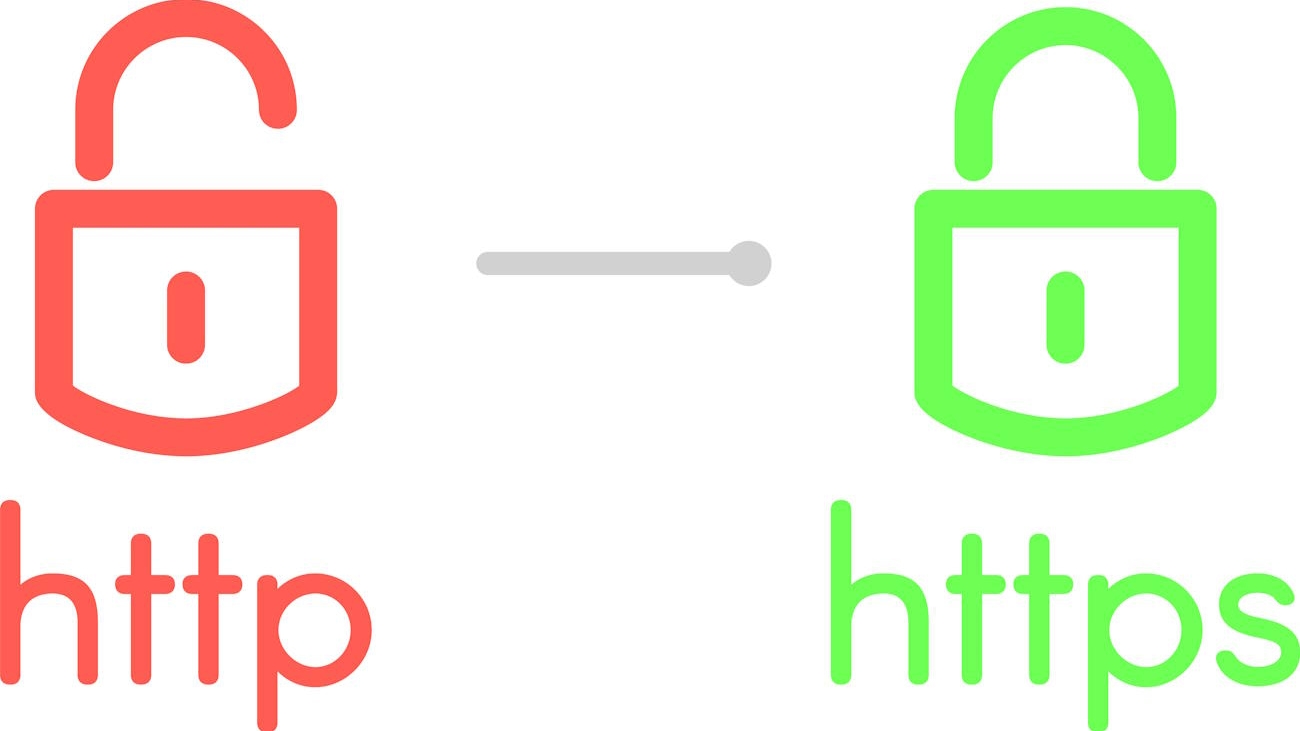
The padlock, or green padlock icon has become an assurance indicator to users that the website they are visiting takes their security seriously.
In case you haven’t realized the importance of having your website secured with SSL because you do not handle sensitive financial-related data, it is time to shift away from that. As mentioned earlier, hackers in these digital age would go after any data transmitted on the internet especially other personal identifying information.
Good enough, websites without SSL have been labelled “Insecure” some browsers show a red URL bar in order to protect and allow visitors to clearly identify these websites. Also, websites without SSL do not rank high on search engines as of today.
We shall be writing on how SSL works and Types of SSL to choose out from in the near future.
Pre-Legislative Scrutiny, Regional Consultative Meetings of the #HRDProtectionBill2020
Over the past few years there has been a growing concern,
both locally and internationally on the increased violations of
fundamental human rights and freedom.
The Human Rights Defenders Protection Bill tabled in Parliament
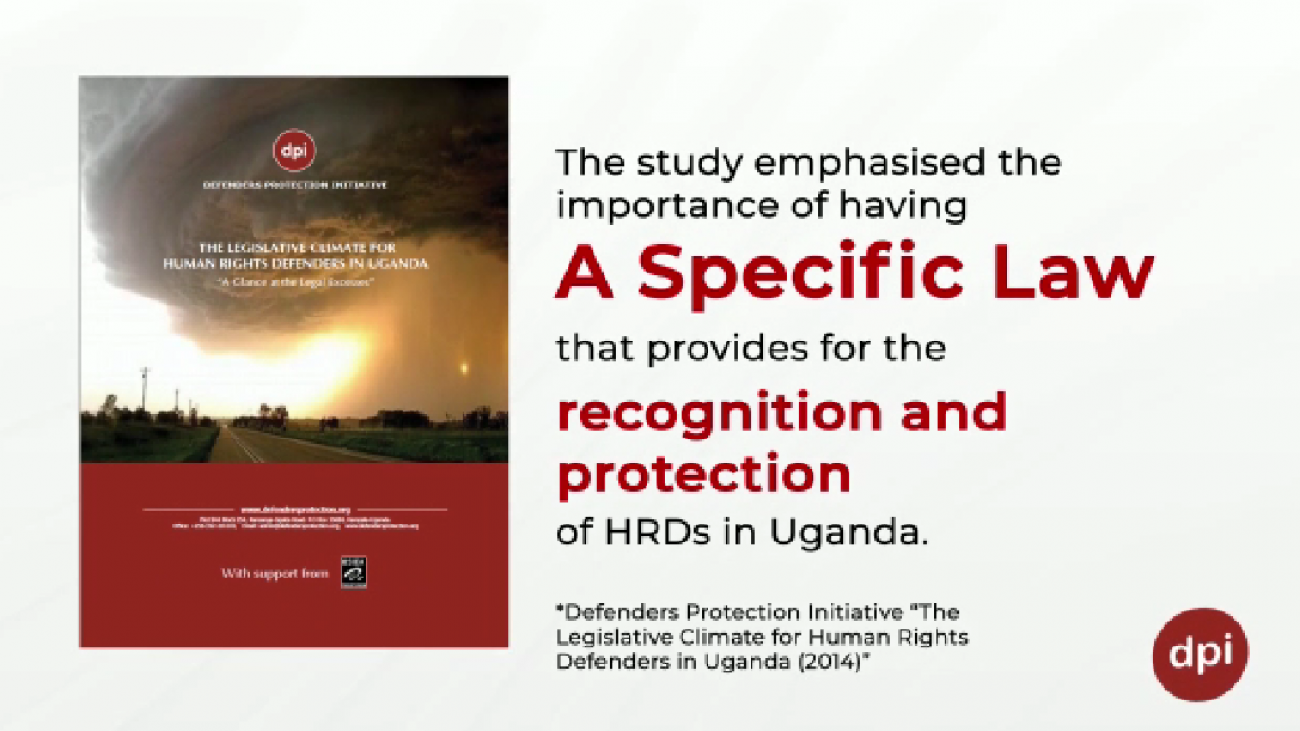
#HRDProtectionBill2020, is a journey that begun in 2014, with a study conducted by DPI “The Legislative Climate for HRDs in Uganda.” A glance at the legal excesses”, which analyzed the gaps in prevailing laws vis a vis the work of HRDs and recommended for a specific law that provides for the recognition and protection of HRDs in Uganda.
Security Enhancement Initiative for Friends of Zoka (SEI4FoZ)
Following our interaction with FoZ, her donors & partners, we identified the need for Protection and Security skilling hence the “Security Enhancement Initiatives – SEI Project.”
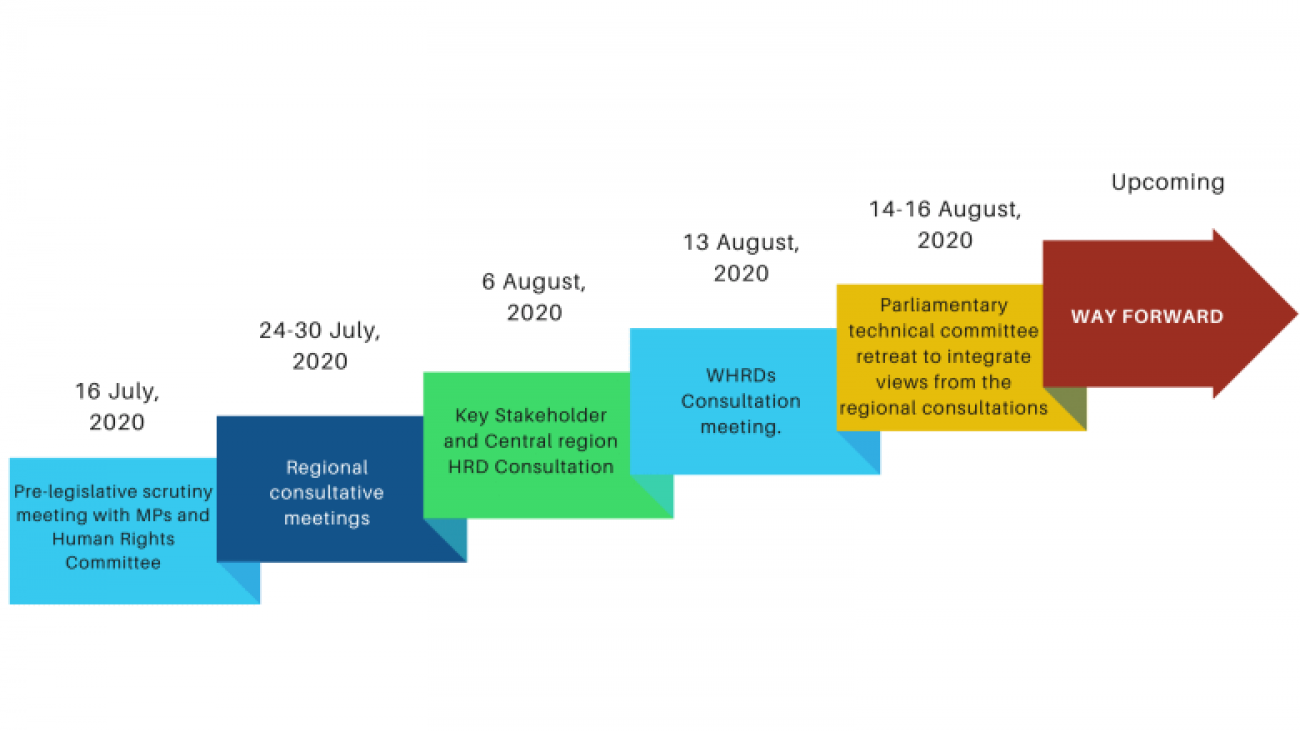
HRD Protection Bill 2020 Road Map
The Human Rights Defenders Protection Bill, a journey that begun in 2014, with DPI conducting a study “The Legislative Climate for HRDs in Uganda.” A glance at the legal excesses, which recommended for a specific law that provides for the recognition and protection of HRDs in Uganda.
View this blog to see the progress we have made so far
Maintain your Social Distancing
Social Distancing is a practice intended to stop or slow down the spread of the Corona Virus. The purpose is to reduce the probability of contact between persons infected with #COVID19 and others who are not infected, so as to minimize it’s transmission.
8 Tips to Secure your Office
We dwell a lot on “CyberSecurity” forgetting about the physical security for organizations. We just thought we could throw in a few tips for you to secure your office space.
Security risks are trending amongest HRDs and it is so unfortunate that many organisations do not have the necessary office security measures in place to help protect their premises & assets from possible threats.
Trending risks to organizations include but are not limited to: